Uploading Documents
Documents are central to processing DSARs. SAR Portal provides secure document upload, storage, and processing capabilities.
Uploading Documents
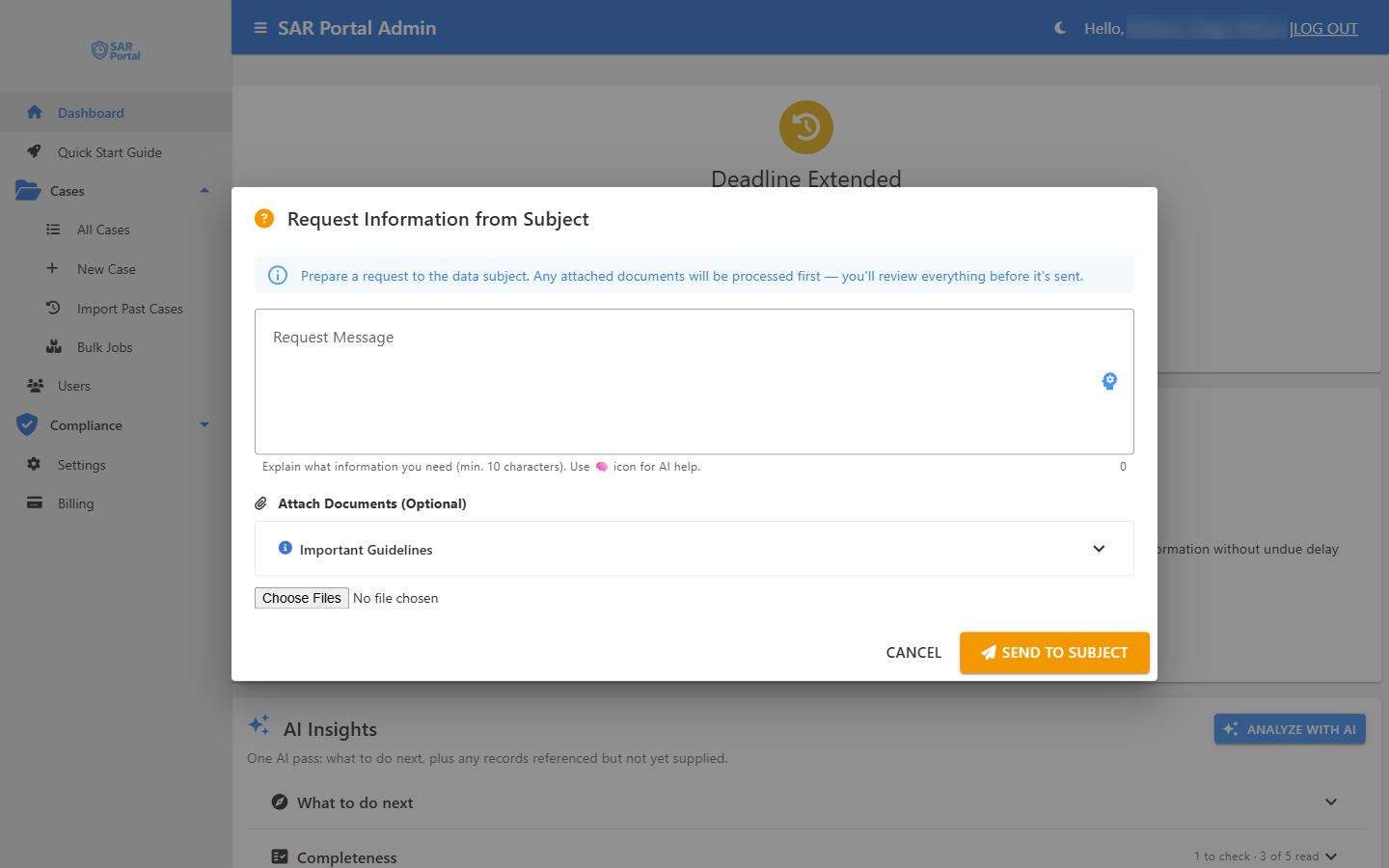
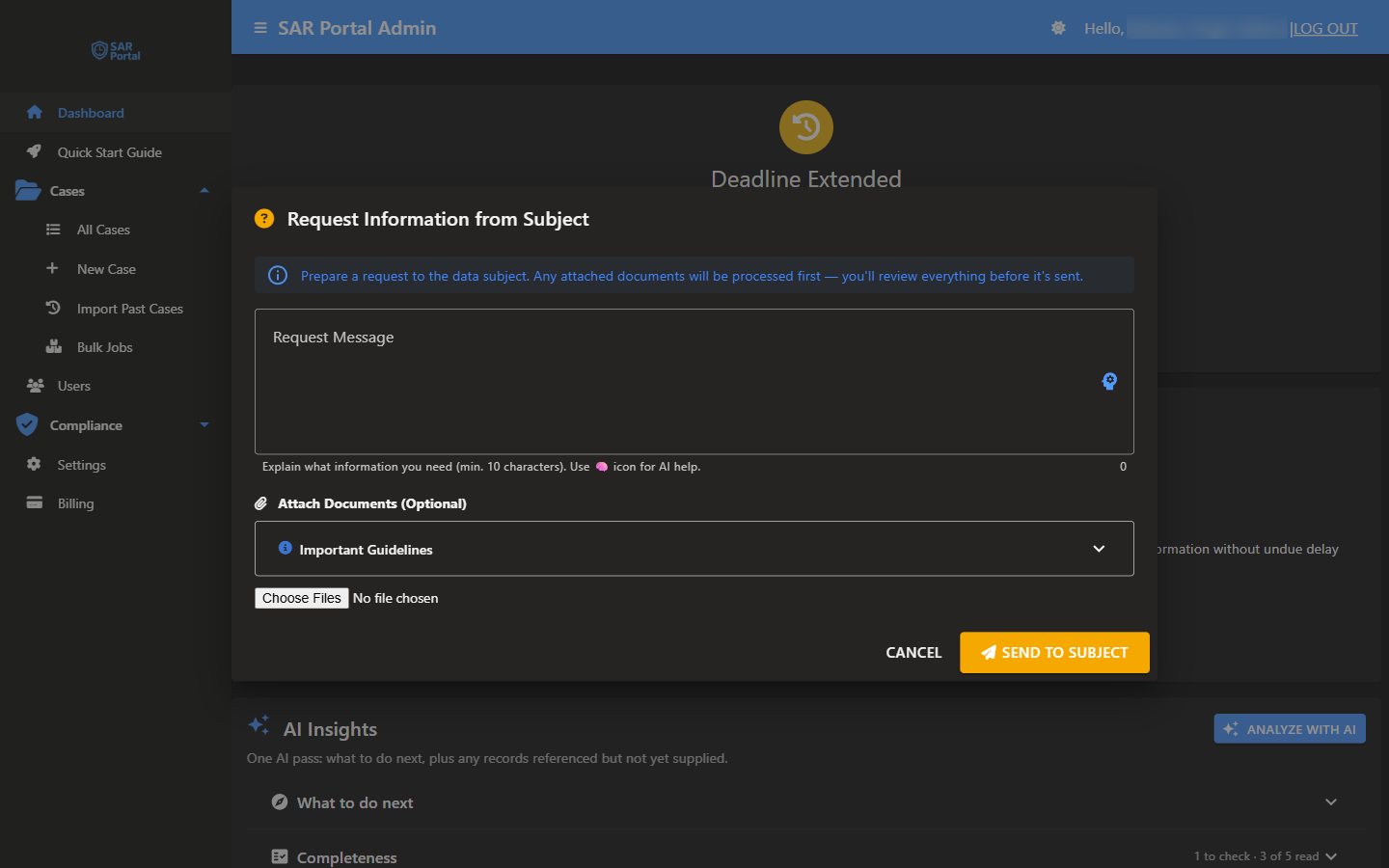
Documents are attached through case actions
There is no standalone upload button or drag-and-drop area on the case page. Instead, documents are attached as part of a case action, using a standard file picker:
- Request Info - attach documents when requesting information from a subject
- Submit Info - attach documents when a case is Awaiting Information
- Close Case - attach the final response documents when closing a case
In each of these, click to open the file picker and choose one or more files (hold Ctrl on Windows or Cmd on Mac to select several at once).
What Happens After You Select Files
- A summary of the files you chose appears: Files Selected, the files that will be scanned under Redactable Files (will scan for PII), any Other Documents (upload as-is), the total size and the number of files.
- If you chose email files (.eml or .msg), an Include email attachments switch appears. If an administrator has turned on Allow per-upload redaction override, a Skip redaction for this upload switch appears too. See Upload Options.
- Click Scan Files & Continue (or Upload Files when none of the files can be redacted).
- Redactable files are scanned for personal data and you are taken to the Review Detected PII screen (see AI-Powered Redaction).
- After redaction you check each file on Review Documents Before Attaching. You can add files with Add More Files, black out anything the automatic pass missed (see Adding Redactions by Hand), and then click Confirm & Attach to Case (n).
- The documents appear in the case’s document list.
Enterprise organisations with bulk processing turned on can also upload a ZIP archive of up to 5 GB. See Bulk ZIP Jobs.
File Requirements
Supported Formats
| Format | Extensions | Max Size |
|---|---|---|
| 100 MB (10 MB on trial) | ||
| Word | .docx, .dotx, .docm, .dotm | 100 MB (10 MB on trial) |
| Excel | .xlsx, .xlsm, .xltx, .xltm | 100 MB (10 MB on trial) |
| PowerPoint | .pptx, .pptm, .potx, .potm | 100 MB (10 MB on trial) |
| Images | .png, .jpg, .jpeg, .gif, .bmp, .tiff, .tif, .webp (WebP is accepted but not redacted automatically) | 100 MB (10 MB on trial) |
| .eml, .msg (auto-converted to .eml) | 100 MB (10 MB on trial) | |
| Text | .txt, .csv, .log, .md, .json, .xml, .html, .css, .js | 100 MB (10 MB on trial) |
On a free trial, each case can hold up to 10 files. An upload that would go past this is refused with “Trial accounts are limited to 10 files per case”.
File Validation
All uploads are validated for:
- File type (based on content, not just extension)
- File size limits
- Format integrity
Every uploaded file is scanned for malware by Microsoft Defender for Storage.
Document List
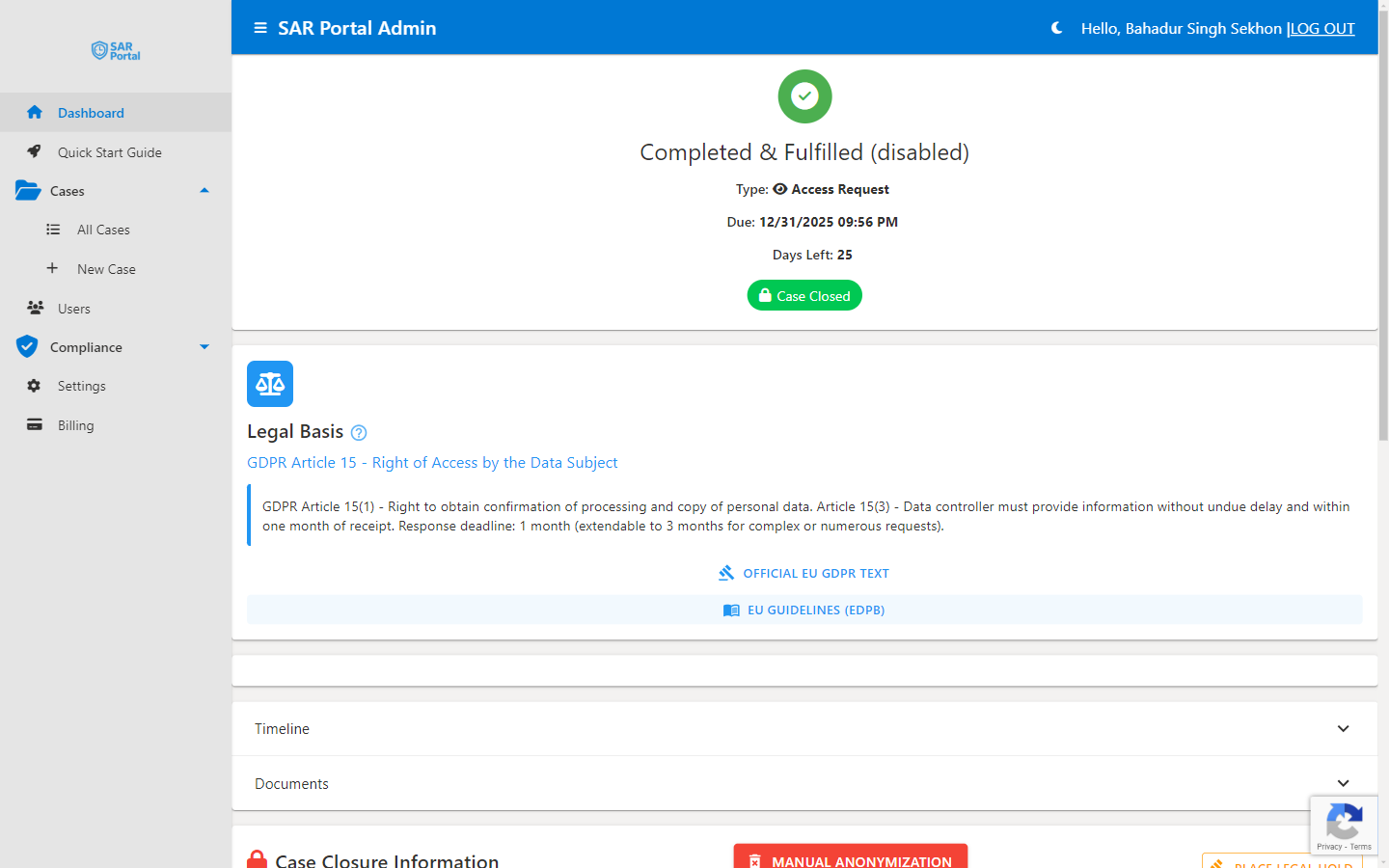
Each document in the case’s Documents panel shows:
- File name
- Size
- The date and time it was uploaded
- Who added it: “Uploaded by:” and the user, or Submitted by Subject, or Reference Document from Case Handler
- The actions available to you
Document Actions
View
Open the document in your browser (if format supports it).
Download
Save a copy to your local device.
Delete
Remove the document from the case. Admin-only, and only while the case is open and the subscription is active. Opens a Delete Document dialog where you choose a reason (Wrong File, Duplicate, Sensitive, User Request, or Other) and optionally add notes. This is a soft delete — the file is archived and can be restored until the case is closed.
File Integrity & Verification
File Integrity Hashing
Every document uploaded to SAR Portal is automatically hashed using SHA-256:
- On Upload - Hash computed and stored with the document
- In Audit Logs - Hash recorded for compliance evidence
Why This Matters
File integrity hashing provides:
- Change Detection - Comparing a file’s hash with the stored hash shows whether the file has changed
- Audit Evidence - Helps you show which file was handled
Document Storage
Security
- All documents encrypted at rest (AES-256)
- Encrypted in transit (TLS 1.2 or higher)
- Stored in Microsoft Azure West Europe (Netherlands), with a second copy in North Europe (Ireland)
- Access controlled by tenant isolation
- File integrity verified via SHA-256 hashing
Storage Limits
| Plan | Storage Limit |
|---|---|
| Free trial | 1 GB |
| Basic | 2 GB |
| Starter | 10 GB |
| Pro | 50 GB |
| Enterprise | 500 GB (more by contract) |
Monitor your usage on the Dashboard.
Soft Delete & Recovery
When documents are deleted:
- Document is marked as deleted (not immediately removed)
- Archived to a separate location
- Can be restored until the case is closed
- Permanently deleted when case closes
Deletion Requirements
- Only admins can delete documents
- Deletion reason must be provided
- Optional notes can be added
- Full audit trail created
Recovery
To restore a deleted document (Admin-only, while the case is still open):
- Find the document under Deleted Documents on the case
- Click Restore
- The document returns to the case
Upload Sources
Documents can come from:
Manual Upload
Documents you upload directly from your computer.
Subject Upload
Documents uploaded by the data subject through the public portal.
Bulk ZIP Archive (Enterprise)
A ZIP archive processed as a bulk job, then attached when you request information or close the case. See Bulk ZIP Jobs.
Best Practices
Naming Conventions
Use clear, descriptive file names:
john-smith-email-records-2024.pdfcustomer-database-extract.xlsxid-verification-passport.jpg
Organization
- Upload related documents to the same case
- Use the case notes to record what you collected and where it came from
- Keep your own copy of the source files: only the redacted versions are attached to the case
Before Responding
- Review all documents for completeness
- Ensure personal data of others is redacted
- Verify file formats are accessible to the subject
Storage Management
- Delete unnecessary duplicates
- Remove draft versions after finals are ready
- Documents are deleted when a closed case is anonymised, by default 30 days after it closes (unless it is on legal hold), which frees storage