Audit Logs
Every action is recorded in an audit log. No user can edit or delete entries. The audit log helps you demonstrate GDPR compliance.
What Are Audit Logs?
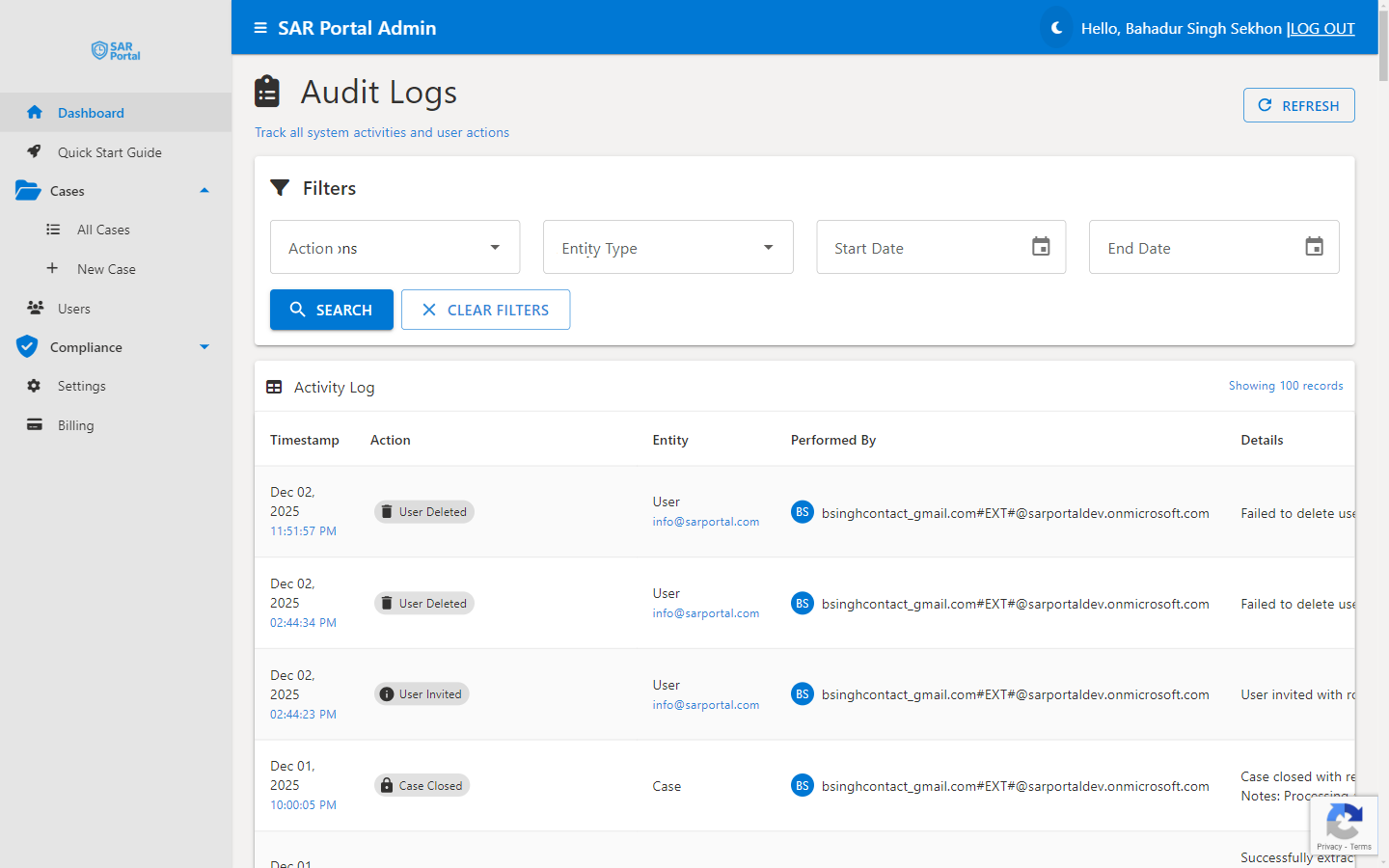
Audit logs are automatic records of every action taken in the system. They capture:
- What happened - The specific action
- When it happened - Precise timestamp
- Who did it - User identification
- What was affected - The entity or case
- Additional context - Relevant details
Viewing Audit Logs
All user roles (Admin, Case Manager, Reviewer and Read Only) can open the Audit Logs page. Only Admins see it in the sidebar menu; other roles open it directly at /auditlogs or from the Audit Logs card in the Quick Start Guide.
Access the Logs
- Go to Compliance in the sidebar (Admins)
- Click Audit Logs
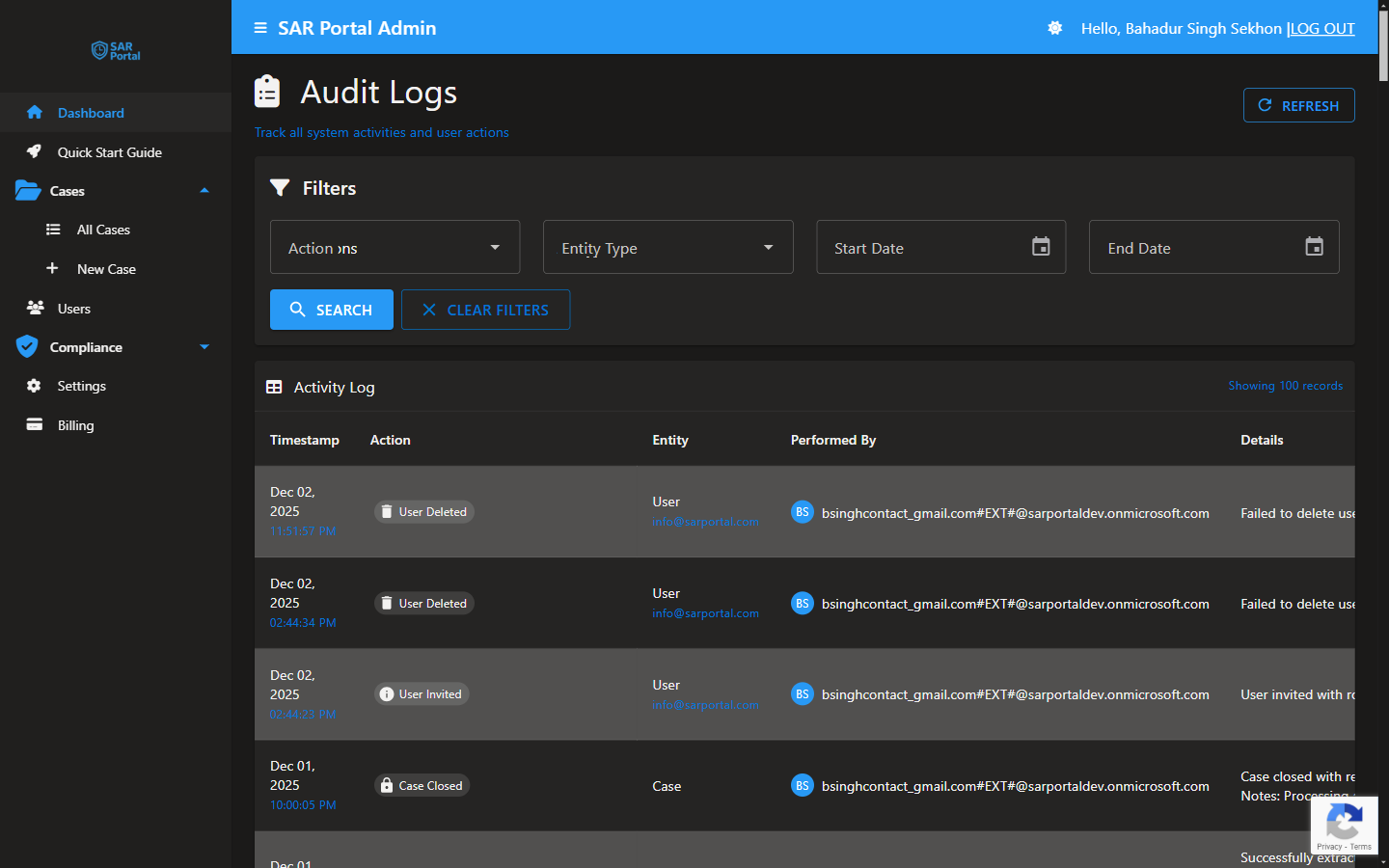
- Open Filters, set the filters you need and click Search. Click Clear to remove them
Filter Options
| Filter | Options |
|---|---|
| Action | All Actions, User Created, User Updated, User Deleted, User Role Changed, Case Created, Case Updated, Case Closed, Notification Sent, Notification Failed, Settings Updated |
| Entity Type | All Types, User, Case, Settings |
| Start Date / End Date | Entries within a time period |
The Action filter offers this fixed list, and some of its options may return no entries. Other actions (listed below) appear in the table when All Actions is selected.
Event Types Logged
Actions are shown with the names below. This is a selection of the most useful ones, not a complete list.
Case Events
| Event | Description |
|---|---|
| HistoricalCaseImported | Past case imported |
| Case Status Changed | Status transition |
| Case Information Requested / Case Information Submitted | Info request sent to the subject, and the subject’s reply |
| Case Deadline Extended | Deadline extension applied |
| Case Statutory Clock Stopped / Case Statutory Clock Restarted | UK stop-the-clock while waiting for information |
| Case Received Date Changed / Case Contact Details Changed | Key case details edited |
| Legal Hold Placed / Legal Hold Released | Legal hold changes |
| Case Closed | Case was completed |
| ManualCaseAnonymization | An Admin anonymized a closed case |
| Case Auto-Anonymized (GDPR Compliance) | Case anonymized automatically 30 days after closure |
| Case Auto-Deleted (Retention Policy) | Case record deleted at the end of the retention period |
Document Events
| Event | Description |
|---|---|
| Document Made Available to Subject | File released to the requester |
| Document Submitted by Subject | Requester uploaded a file through the portal |
| Document Downloaded - Public Portal | Requester downloaded a file (or a ZIP) from the portal |
| DocumentSoftDeleted / DocumentRestored | File deleted from a case, or restored |
| TRUE_REDACTION_APPLIED / VISUAL_REDACTION_APPLIED / REDACTION_COMPLETED | Redactions saved |
User Events
| Event | Description |
|---|---|
| User Invited | Invitation sent |
| User Role Changed | Permissions updated |
| User Deleted | User removed from the organization |
System Events
| Event | Description |
|---|---|
| Settings Updated / Branding Updated / Email Template Updated | Configuration changed |
| Notification Sent / Notification Failed | Email to a subject or user sent, or failed |
| DataExported / CaseDataExport / TenantDataExported | Data exported |
Log Entry Details
The table shows these columns:
- Timestamp - date and time of the action
- Action - what happened (hover for more)
- Entity - the entity type (Case, User, Settings) and its related email, if any (the requester’s details are removed when the case is anonymised)
- Performed By - who did it
- Details - the old and new value, and other details
- Status - OK or Fail
On smaller screens the Entity, Performed By and Details columns are hidden. Use a wider window, or Export CSV, to see every field.
Protection of Log Entries
What Users Can and Cannot Do
- No user can edit or delete audit entries in SAR Portal
- Timestamps are system-generated
- When a case is anonymised, the requester’s details in its log entries are removed
- Entries are deleted automatically after 7 years, unless the case is on legal hold
Why This Matters
- Gives you a consistent record of who did what and when
- Helps you show how each request was handled
- Whether the log is accepted as evidence is for your lawyers, the regulator or the court
Using Logs for Compliance
Responding to Regulatory Inquiries
- Identify the relevant time period
- Filter by date and action, then find the case’s entries
- Export relevant entries
- Provide as evidence
Internal Audits
- Review activity patterns
- Verify proper procedures followed
- Identify training needs
- Document compliance processes
Incident Investigation
- Filter by date/time of incident
- Review all related actions
- Identify what happened
- Document findings
Log Retention
Retention Period
Audit log entries are kept for 7 years:
- Standard retention: 7 years
- Based on Article 17(3)(e) - legal defense purposes
Legal Hold
When a case is placed on legal hold, its audit entries are kept indefinitely. When the hold is released, they return to normal expiry.
After Retention Period
Entries are deleted automatically after 7 years. Nothing is archived.
Best Practices
Regular Review
- Check logs periodically
- Look for unusual patterns
- Verify expected activities occurred
Before Case Closure
- Review case audit trail
- Ensure all required steps documented
- Verify communications logged
For Sensitive Cases
- Monitor more closely
- Review all document access
- Verify authorization for actions
For Compliance Reporting
- Use date filters for reporting periods
- Export relevant logs
- Include in compliance documentation
Exporting Logs
Available Formats
- Export CSV on the Audit Logs page
- A case’s PDF export also includes its status history and key audit entries
- The Download Report (PDF) on Compliance Verification includes the audit trail of the cases found
Export Options
The CSV export uses the filters you have set:
- Start and end date
- Action
- Entity type
The CSV columns are Timestamp, Action, Entity Type, Entity Email, Performed By, Details, Old Value, New Value, Status and Error Message.
Use Cases
- Regulatory submissions
- Internal reports
- Legal proceedings
- Compliance audits
Privacy in Logs
What’s Logged
- Action metadata
- User identifiers
- Entity references
- Timestamps
What’s NOT Logged
- Document contents
Audit entries keep your staff’s email addresses. When a user’s account is erased through account deletion, their email in the entries they performed or that concern them is replaced with [Redacted], and an Audit Logs Pseudonymized - User Erasure entry records the change. Deleting a user from the Users page does not rewrite their audit entries.
After Anonymization
- Actions remain listed against the case